
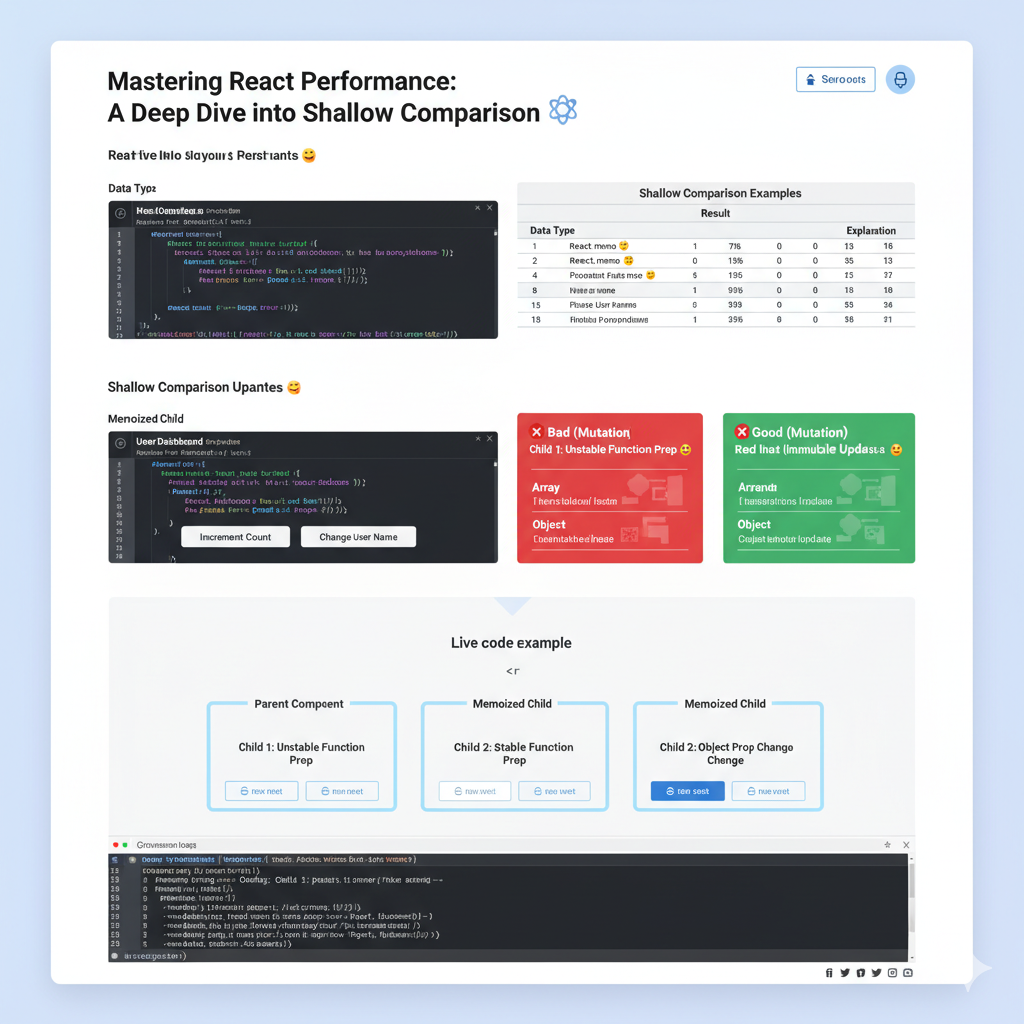
React applications, when not optimized, can suffer from unnecessary re-renders that impact performance.
If you’ve ever wondered why your component re-renders even when its visual output seems unchanged, the answer often lies in how React determines if something has “changed.”
Enter shallow comparison – a fundamental concept that, once understood, unlocks powerful optimization techniques in your React toolkit.
What Exactly Is Shallow Comparison?
At its core, shallow comparison is a quick way to check if two values are “equal.”
But its definition of equality is quite specific, especially when dealing with different data types:
- For Primitives (numbers, strings, booleans, null, undefined): It compares their actual values. If
5is compared to5, it’strue. If"hello"is compared to"world", it’sfalse. This is straightforward. - For Objects and Arrays: This is where it gets interesting. Shallow comparison does not look inside the object or array to compare its contents. Instead, it compares their references (their memory addresses).
- If two variables point to the exact same object in memory, the shallow comparison returns
true. - If they point to different objects, even if those objects have identical content, the shallow comparison returns
false.
- If two variables point to the exact same object in memory, the shallow comparison returns
Think of it like this:
5 === 5->true(Values are identical){ a: 1 } === { a: 1 }->false(These are two distinct objects in memory, even though they look the same)const obj1 = { a: 1 }; const obj2 = obj1; obj1 === obj2->true(Bothobj1andobj2point to the same object)
This distinction is crucial for understanding React’s re-rendering behavior.
Why Does React Care About Shallow Comparison?
React’s primary goal is to efficiently update the UI. When a component’s state or props change, React needs to decide if it’s worth the effort to re-render that component and its children. This decision-making process is where shallow comparison shines as an optimization.
React provides two main tools that leverage shallow comparison to prevent unnecessary re-renders:
1. React.memo for Functional Components
If you have a functional component that often receives the same props, you can wrap it in React.memo.
import React, { memo } from 'react';

const ProductCard = memo(function ProductCard({ product, onAddToCart }) {
  console.log('Rendering ProductCard:', product.name); // See when it renders

  return (
    <div className="product-card">
      <h3>{product.name}</h3>
      <p>${product.price.toFixed(2)}</p>
      <button onClick={() => onAddToCart(product.id)}>Add to Cart</button>
    </div>
  );
});

export default ProductCard;
With React.memo, if the product prop and onAddToCart prop are shallowly equal to what they were in the previous render, React will skip rendering ProductCard and reuse its last rendered output.
2. React.PureComponent for Class Components
For those still using class components, React.PureComponent offers similar memoization. If your class component extends PureComponent, React automatically implements a shouldComponentUpdate method that performs a shallow comparison of both this.props and this.state.
import React, { PureComponent } from 'react';

class UserDashboard extends PureComponent {
  // PureComponent automatically implements shouldComponentUpdate
  // with shallow comparison for props and state.
  render() {
    console.log('Rendering UserDashboard:', this.props.username);
    return (
      <div className="dashboard">
        <h2>Welcome, {this.props.username}!</h2>
        <p>You have {this.state.notifications} new messages.</p>
      </div>
    );
  }
}
The Immutable Update Imperative: Preventing Common Pitfalls
The power of shallow comparison comes with a crucial prerequisite: you must use immutable updates for objects and arrays in your state and props.
Why? Because if you directly mutate an object or array (change its contents without creating a new one), its memory reference remains the same. When React performs a shallow comparison, it will see the same reference and assume nothing has changed, thus skipping a necessary re-render. This leads to frustrating bugs where your UI doesn’t update even though your data has.
Common Pitfalls and How to Avoid Them:
❌ Bad: Mutating an Array
const [items, setItems] = useState(['apple', 'banana']);

const addItemBad = () => {
  items.push('cherry'); // Mutates the existing array!
  setItems(items); // Array reference is unchanged. React.memo/PureComponent won't re-render.
};
✅ Good: Immutable Array Update
const addItemGood = () => {
  setItems(prevItems => [...prevItems, 'cherry']); // Creates a NEW array
};
❌ Bad: Mutating an Object
const [user, setUser] = useState({ id: 1, name: 'Alice', age: 30 });

const updateAgeBad = () => {
  user.age = 31; // Mutates the existing object!
  setUser(user); // Object reference is unchanged.
};
✅ Good: Immutable Object Update
const updateAgeGood = () => {
  setUser(prevUser => ({
    ...prevUser, // Spreads all properties of the old object
    age: 31       // Overwrites or adds the 'age' property
  })); // Creates a NEW object
};
❌ Bad: Unstable Function References
Functions defined directly within a functional component are re-created on every render, leading to a new reference. If passed as a prop to a React.memo child, it will cause an unnecessary re-render.
// Parent component
function Parent() {
  const [count, setCount] = useState(0);

  // ❌ This function gets a new reference on every render of Parent
  const handleAction = () => { /* ... */ };

  return <MemoizedChild action={handleAction} />;
}
✅ Good: Stable Function References with useCallback
import React, { useState, useCallback } from 'react';

function Parent() {
  const [count, setCount] = useState(0);

  // ✅ This function maintains its reference as long as 'count' doesn't change
  const handleAction = useCallback(() => {
    // This function can safely use 'count' because it's in its dependency array
    console.log('Action for count:', count);
  }, [count]); // Dependency array: only re-create if count changes

  return <MemoizedChild action={handleAction} />;
}
Live Demonstration: Shallow Comparison in Action
Let’s put this into practice with a quick example. We’ll have a ParentComponent and a MemoizedChild component. The parent will manage some state and pass props to the child.
// --- MemoizedChild.jsx ---
import React, { memo } from 'react';

function Child({ title, data, action }) {
  // This log helps us see when the component actually re-renders
  console.log(`--- Rendering: ${title} ---`);

  return (
    <div style={{ margin: '10px', padding: '10px', border: '1px solid #ddd', borderRadius: '5px', backgroundColor: '#f9f9f9' }}>
      <h4>{title}</h4>
      <p>Data: **{data}**</p>
      <button onClick={action}>Run Action</button>
    </div>
  );
}

// Wrap the child with React.memo for shallow comparison
const MemoizedChild = memo(Child);
export default MemoizedChild;


// --- ParentComponent.jsx ---
import React, { useState, useCallback } from 'react';
import MemoizedChild from './MemoizedChild';

function ParentComponent() {
  const [count, setCount] = useState(0);
  const [userProfile, setUserProfile] = useState({ id: 1, name: 'Alice' });

  // 1. Primitive state update
  const incrementCount = () => setCount(prev => prev + 1);

  // 2. Unstable function: new reference on every ParentComponent render
  const unstableAction = () => console.log('Unstable action triggered!');

  // 3. Stable function: uses useCallback to maintain reference
  const stableAction = useCallback(() => {
    console.log('Stable action triggered!');
    // This could hypothetically use 'count' if added to dependencies:
    // console.log('Stable action for count:', count);
  }, []); // Empty dependency array means this function reference is created once

  // 4. Immutable object update
  const changeUserName = () => {
    setUserProfile(prevProfile => ({
      ...prevProfile,
      name: prevProfile.name === 'Alice' ? 'Bob' : 'Alice'
    }));
  };

  return (
    <div style={{ padding: '20px', border: '2px solid #007bff', borderRadius: '8px' }}>
      <h1>Parent Component (Count: {count})</h1>
      <p>User: {userProfile.name}</p>
      <button onClick={incrementCount} style={{ marginRight: '10px' }}>
        Increment Count (Parent Rerenders)
      </button>
      <button onClick={changeUserName}>
        Change User Name (User Object Reference Changes)
      </button>

      <hr style={{ margin: '20px 0' }} />

      {/* Child 1: Receives unstable function prop */}
      <MemoizedChild
        title="Child 1: Unstable Function Prop"
        data={`Count: ${count}`} // Primitive prop: changes, so re-render is expected
        action={unstableAction} // ❌ Unstable reference: causes re-render even if data was same
      />

      {/* Child 2: Receives stable function prop */}
      <MemoizedChild
        title="Child 2: Stable Function Prop"
        data={`User Name: ${userProfile.name}`} // Primitive prop: changes only when userProfile.name changes
        action={stableAction} // ✅ Stable reference: will NOT cause re-render unless other props change
      />

      {/* Child 3: Illustrates object prop change */}
      <MemoizedChild
        title="Child 3: Object Prop Change"
        data={`User ID: ${userProfile.id}`} // Primitive prop: user ID doesn't change
        action={stableAction} // ✅ Stable reference
        // user={userProfile} // If we passed the userProfile object, it would cause re-renders when userName changes
      />
    </div>
  );
}

export default ParentComponent;
Here’s how to interpret the console logs when interacting with this example:
- Click “Increment Count”:
ParentComponentre-renders (statecountchanged).- Child 1 renders:
countprop (primitive) changed, andunstableActionis a new function reference. Both cause re-render. - Child 2 renders:
userProfile.nameprop (primitive) is unchanged,stableActionreference is unchanged. Butcountin itsdataprop changed. So it re-renders. (This is expected and correct). - Child 3 renders:
userProfile.idprop (primitive) is unchanged,stableActionreference is unchanged. So it does not re-render if onlycountchanges in the parent! It only re-renders ifuserProfile.idchanges, which it doesn’t in this example.
- Click “Change User Name”:
ParentComponentre-renders (stateuserProfilechanged).- Child 1 renders:
countprop (primitive) is unchanged.unstableActionis a new function reference. Causes re-render. - Child 2 renders:
userProfile.nameprop (primitive) changed. Causes re-render. - Child 3 does NOT render: Its props (
userProfile.idandstableAction) are shallowly equal to previous values.
This example clearly illustrates how React.memo (and PureComponent) relies on stable references for non-primitive props. When you ensure stability using useCallback for functions or creating new objects/arrays for state updates, you maximize the benefits of shallow comparison and significantly reduce unnecessary re-renders.
When NOT to use Shallow Comparison
While powerful, React.memo and PureComponent aren’t always necessary:
- Components that re-render frequently anyway: If a component’s props almost always change, adding memoization might add overhead without performance benefits.
- Components with very few props: The overhead of comparison might outweigh the cost of a simple re-render.
- Components with deeply nested data structures: Shallow comparison won’t catch changes deep inside objects/arrays. For these, you might need a custom comparison function with
React.memoor a state management library that encourages normalized state.
Conclusion
Shallow comparison is an indispensable concept for any React developer aiming for optimal performance. By understanding how it works and consistently applying immutable updates with useState, useReducer, useCallback, and useMemo, you can effectively leverage React.memo and React.PureComponent to build faster, more efficient React applications.
Keep those console logs open and watch your components render (or not render!) as you apply these techniques. Happy optimizing!
Useful links below:
Let me & my team build you a money making website/blog for your business https://bit.ly/tnrwebsite_service
Get Bluehost hosting for as little as $1.99/month (save 75%)…https://bit.ly/3C1fZd2
Join my Patreon for one-on-one coaching and help with your coding…https://www.patreon.com/c/TyronneRatcliff
Buy me a coffee  https://buymeacoffee.com/tyronneratcliff


